
Current screen
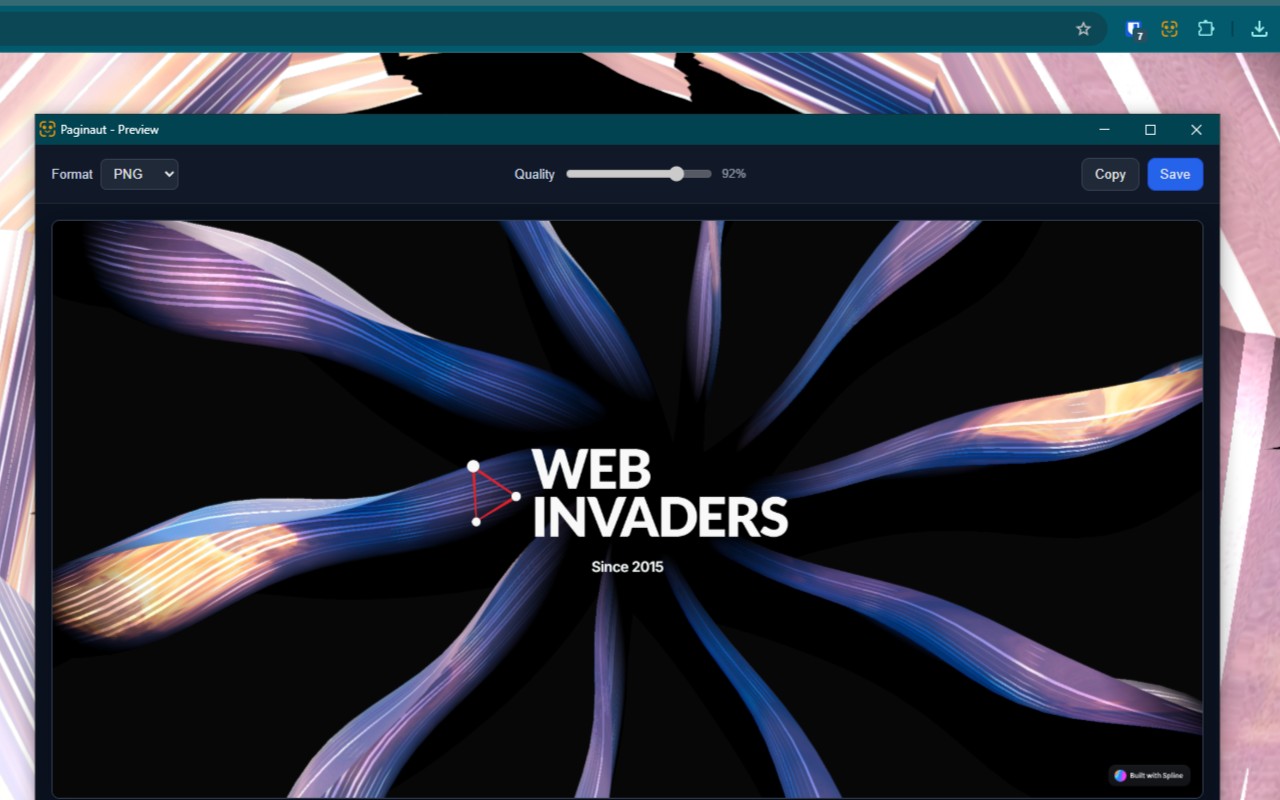
Capture the visible viewport instantly. Crop, annotate, copy, or save as PNG, JPG, or WebP in the unified preview. Processed on your device.
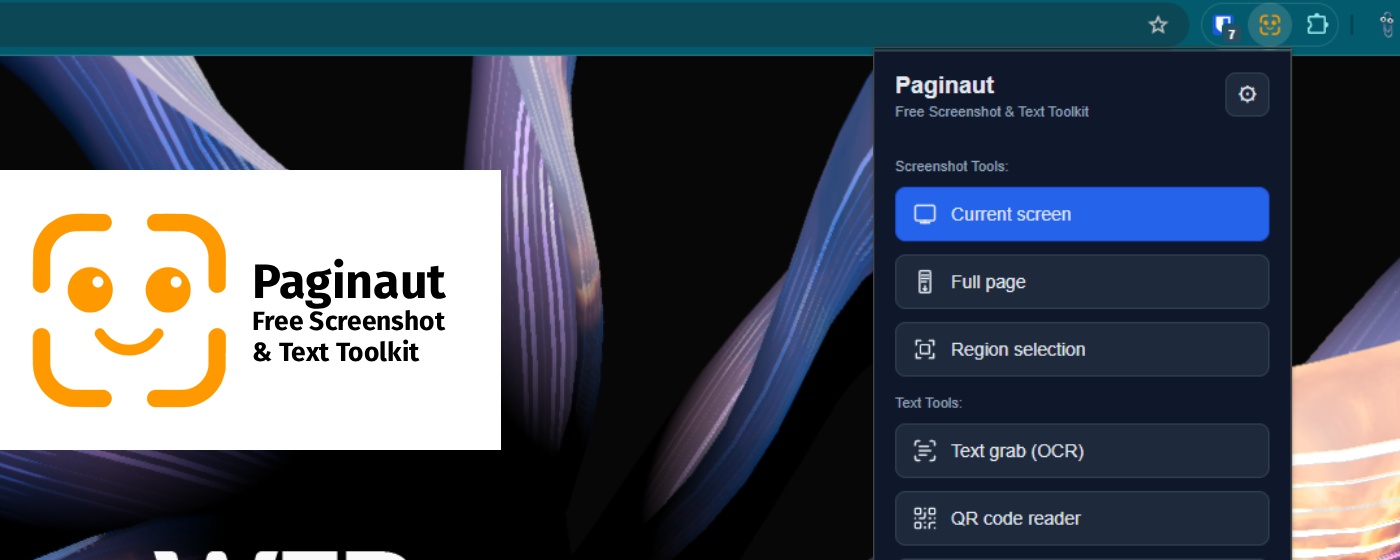
Free screenshot, screen record & text toolkit for Chrome. Capture, annotate, record, and transform content—everything stays on your device. No cloud upload, no paid tier, no data selling.
Four ways to grab a still image—all open one local preview. No cloud pipeline; you choose when to copy or save.
Capture the visible viewport instantly. Crop, annotate, copy, or save as PNG, JPG, or WebP in the unified preview. Processed on your device.

Scroll-stitch capture stitches the page locally. Very tall pages may save as multiple numbered PNGs to Downloads. No debugger; no server upload.

Draw a selection, resize or move it (Shift locks aspect), confirm with ✓ or cancel with ✕. Same overlay as OCR and QR.

Chrome’s picker for an entire screen, app window, or tab—then crop and annotate in preview. Works when tab capture is blocked. One frame, captured locally.
Record and trim locally—WebM stays on your machine until you choose to save. Free, with no upload to Paginaut servers.

Configure mic and tab audio in the popup, press Start, then pick screen, window, or tab in Chrome’s share dialog. REC badge while recording; Stop from any Chrome window. Recording runs offscreen on your device.
Tab audio when you share a Chrome tab with sound, plus microphone mixing. Webcam only is a separate source. System-wide audio is not supported. Mic/webcam only when you press Start.
Trim handles, Trim start/end, frame step, and Save WebM. Open Video editor to trim an existing WebM without recording. Annotate frame sends the current frame to the screenshot annotator. Stored in local IndexedDB until export.
Mark up and resize images without leaving Chrome. Shared Save Format settings across tools—your choice stays local in extension storage.

Shapes, arrows, text, highlighter, freehand, blur/redact, numbered callouts; layer list; undo/redo. Crop with handles; Reset image restores the original. Flatten only on Save/Copy.
Open a local file, drag-and-drop, paste, or right-click a page image. Same preview editor—no tab capture required. Never uploaded to Paginaut servers.

Social and video presets (16:9, 9:16, 3:2, 4:5, and more). Cover or Contain preview; export exact size as PNG, JPG, or WebP. Free resize tool; export stays local.
Extract, transform, and count text—all processed locally with bundled libraries. No external API calls for OCR or QR.

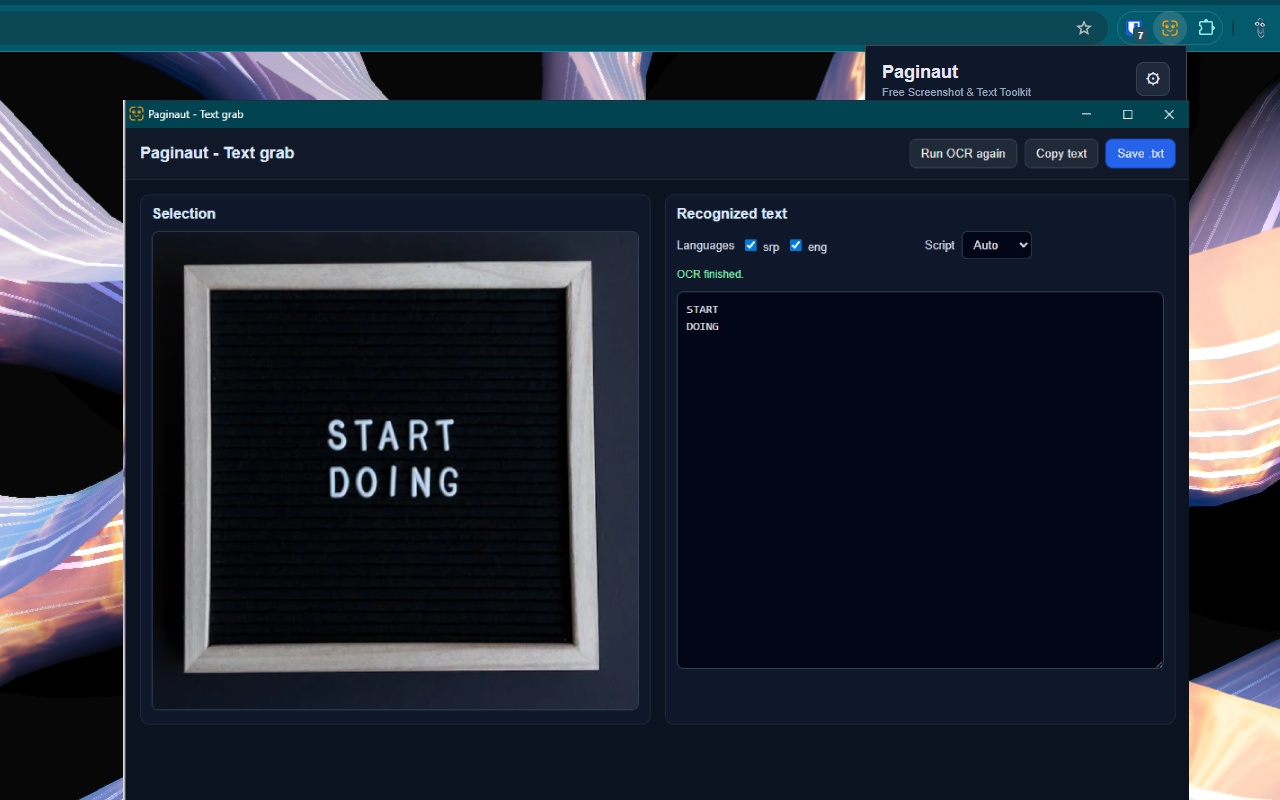
Select any on-screen region; smart multi-pass recognition with bundled Tesseract. Copy or save as .txt. OCR runs entirely in the extension.

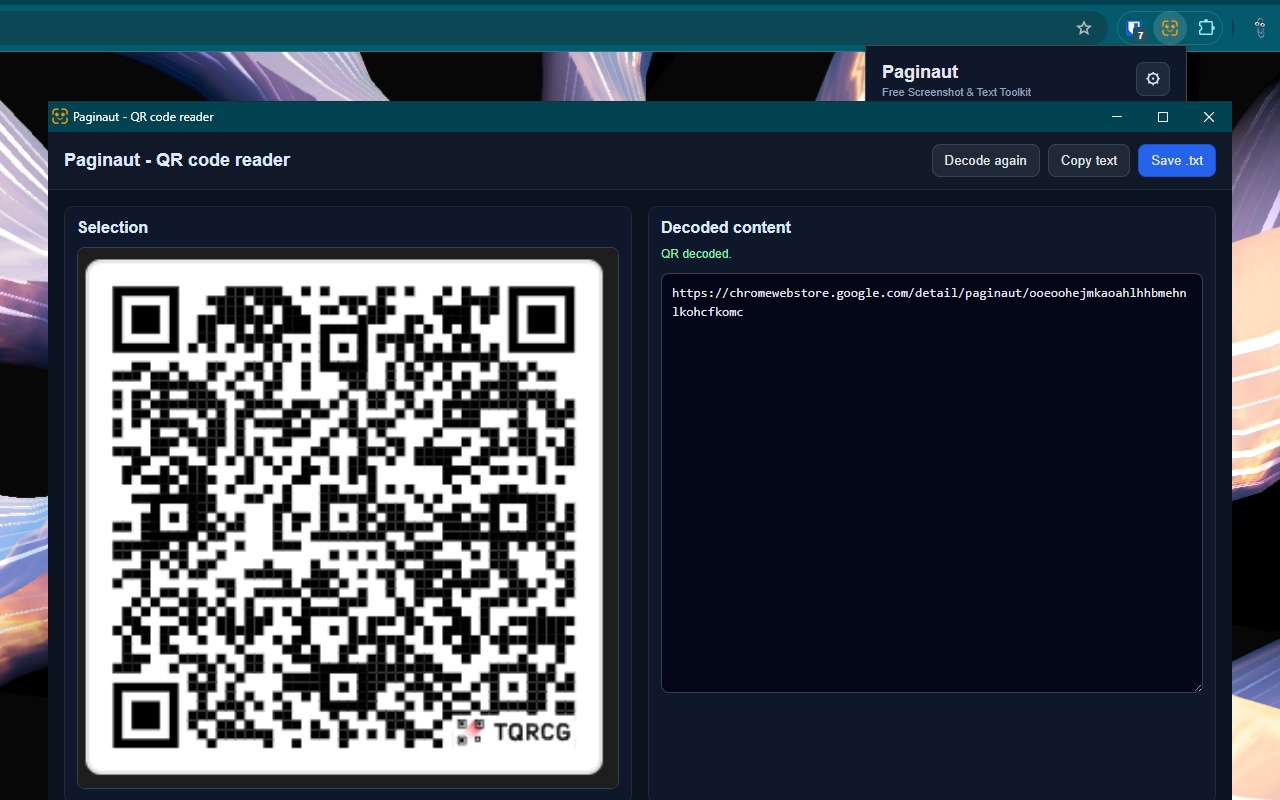
Box a QR on the page or right-click an image; decode locally with bundled jsQR. Copy or save the payload. Toggle in Options like OCR.

UPPERCASE, lowercase, Sentence case, Title Case, or Toggle case. Copy in one click—or open from a text selection in the context menu. Text never leaves your browser.

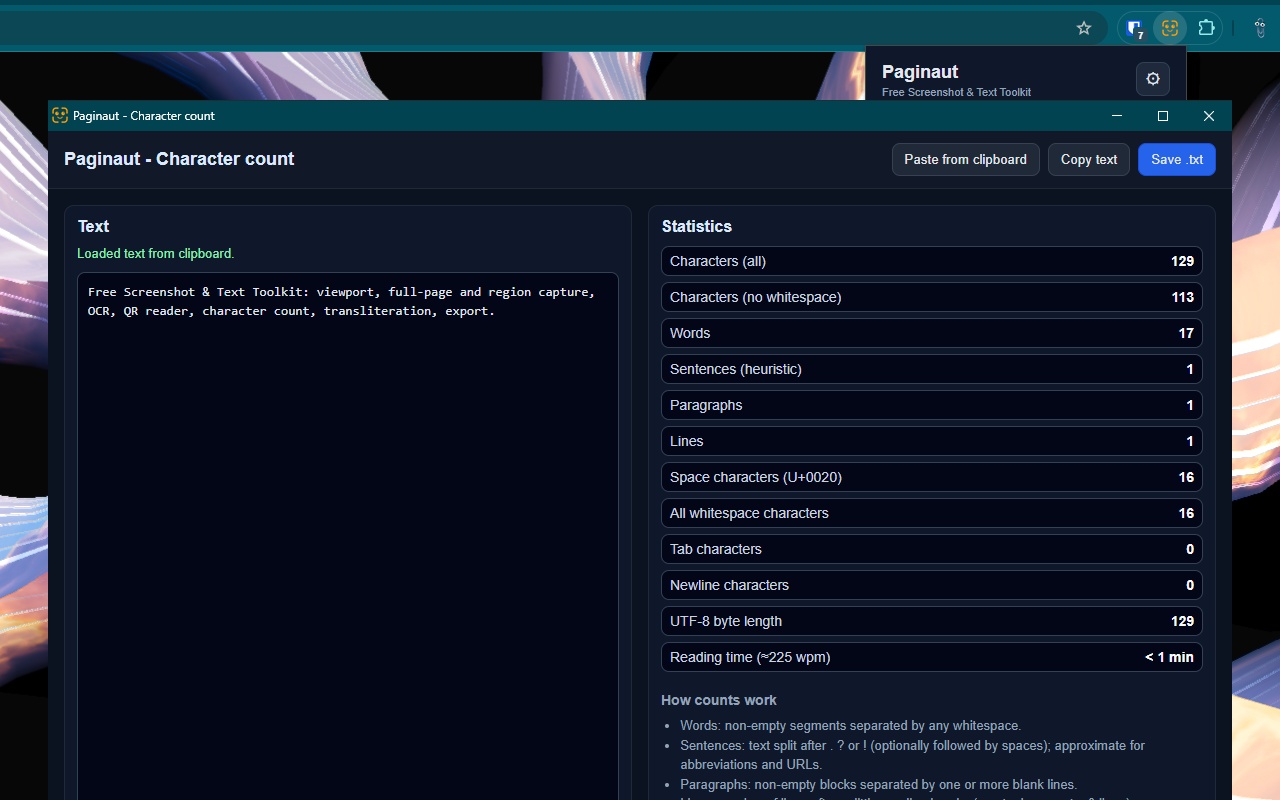
Live stats: words, characters, paragraphs, lines, whitespace, UTF-8 size, reading time. Optional clipboard pre-fill from the popup. Stats computed locally in the tool window.

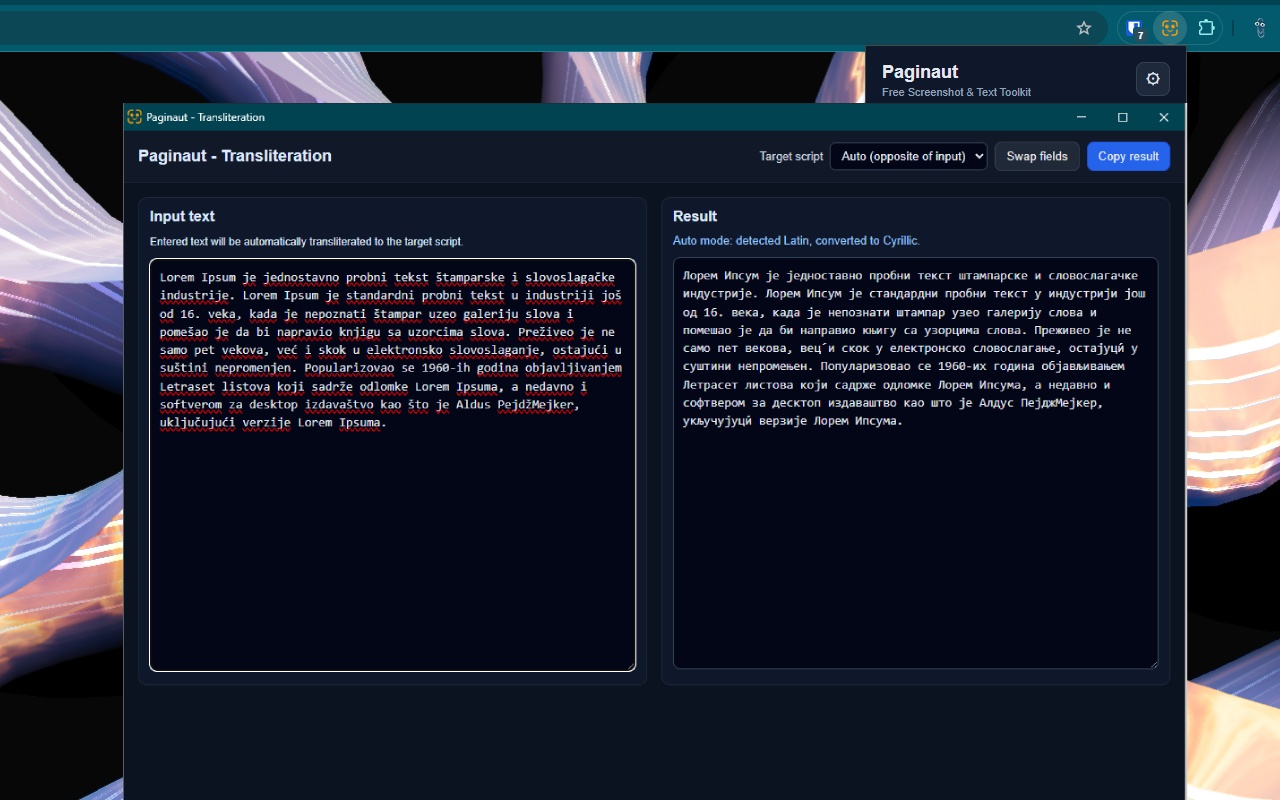
Convert between Latin and Cyrillic with auto-detection or manual target selection. Ideal for bilingual workflows—fully local.
Customize what you see and how you reach it. Layout preferences are stored locally—never sent to Paginaut servers.

Drag-and-drop Favorites, Screenshot, and Text columns. Enable or disable each tool independently. UI in English and Serbian. Layout stored as local preferences only.
Page → all enabled tools. Selected text → transliteration, change case, character count (pre-filled). Image → annotator, OCR, or QR without drawing a region. User-triggered only; no background monitoring.
Four steps—from install to export. Everything happens on your machine unless you explicitly copy or save a file.
No account, no subscription. Pin the icon for quick access.
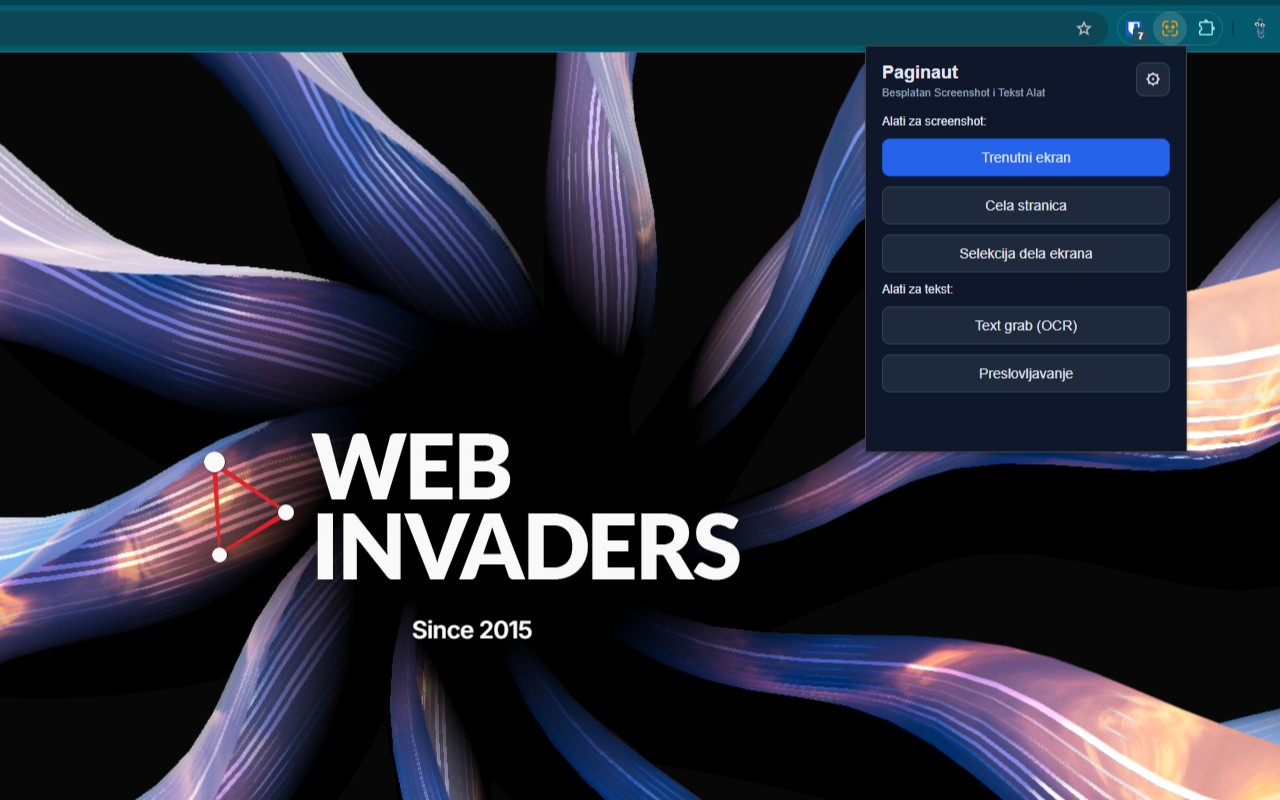
Popup, right-click context menu, or favorites—screenshot, record, OCR, and more.
Preview, annotate, trim video, or transform text—all inside the extension runtime.
Save PNG/JPG/WebP, WebM, or .txt—or copy to clipboard. Nothing auto-uploads.
Product screenshots from the Chrome Web Store listing.
Paginaut is built for people who want powerful tools without giving up privacy or paying a subscription.
Quick answers about pricing, privacy, and features.
Yes. Paginaut is a free Chrome extension with no subscription, no paywall, and no paid tier. Every tool is included at no cost.
No. Screenshots, screen recordings, OCR, QR decoding, annotation, and text tools run locally inside the extension on your device. Recordings stay in local browser storage until you save or discard them. Clipboard is only used when you ask (copy results, optional Character count pre-fill, or paste into Image annotator).
Paginaut scrolls the tab and stitches viewport screenshots. Very tall pages may save as multiple numbered PNGs to Downloads, with an in-extension preview thumbnail.
Choose Screen record in the popup, configure mic and tab audio if needed, then press Start. Chrome asks what to share. Recording continues after the popup closes; click the extension icon for the timer and Stop. Trim in the preview and save as WebM locally. You can also open Video editor to trim an existing WebM file.
Yes—share a Chrome tab with sound to include tab audio. Microphone can be mixed in. System-wide audio is not supported; window or desktop share uses the microphone only.
A free tool to resize images for social and video presets (16:9, 9:16, and more). Preview Cover or Contain crop, then export PNG, JPG, or WebP locally.
English and Serbian. In Options choose Auto (browser), English, or Serbian.
Yes. Enable or disable each tool and drag-and-drop Favorites, Screenshot, and Text columns in Options. The right-click context menu mirrors the same tools and order.
Right-click adapts to context: on a page background—all enabled tools; on selected text—transliteration, change case, and character count with text pre-filled; on an image—annotator, OCR, or QR without drawing a region.
Email paginaut@webinvade.rs for help, bug reports, or feature ideas.
Need help, want to report a bug, or suggest a feature?
Email us directly at: paginaut@webinvade.rs
We usually respond as quickly as possible.